Link Settings
Availability: Which settings you can use depends on your plan. Each page lists its own availability.
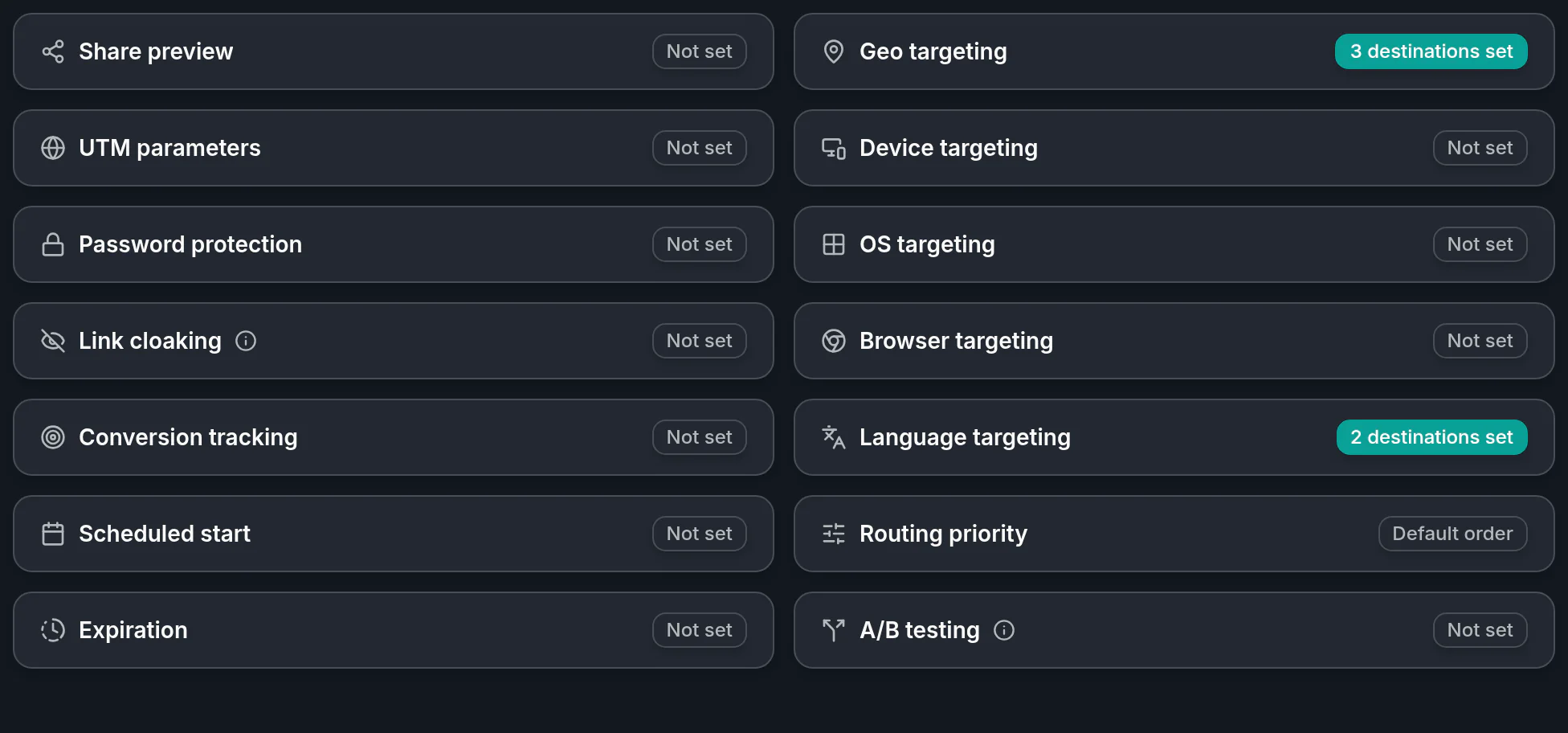
Beyond its destination, every link has optional settings. Set them while you create the link, in the wizard’s Advanced panel, or later on the link’s Advanced settings tab. Each setting shows whether it’s set and saves on its own.
| Setting | What it does |
|---|---|
| Share Preview | The title, description and image shown when the link is shared. |
| UTM Parameters | Campaign parameters added to the destination URL. |
| Password and One-Time Access | A password, or a one-time code sent by email, before visitors get through. |
| Cloaking | The short URL stays in the address bar while the destination is shown. |
| Track Leads and Sales | Conversion tracking for the link, and who gets the credit. |
| Schedule and Expiration | When the link goes live, and when and how it stops. |
| Targeting | Different destinations by country, language, device, OS or browser, and the order the rules are checked in. |
| A/B Testing | Visitors split between up to four destinations, to see which performs best. |
Last updated on