Share Preview
Availability: Custom share previews require the Starter plan or higher.
The Share preview section in Advanced settings sets the title, description and image shown when the link is shared on social networks and in chat apps. It previews how the link looks on each platform.
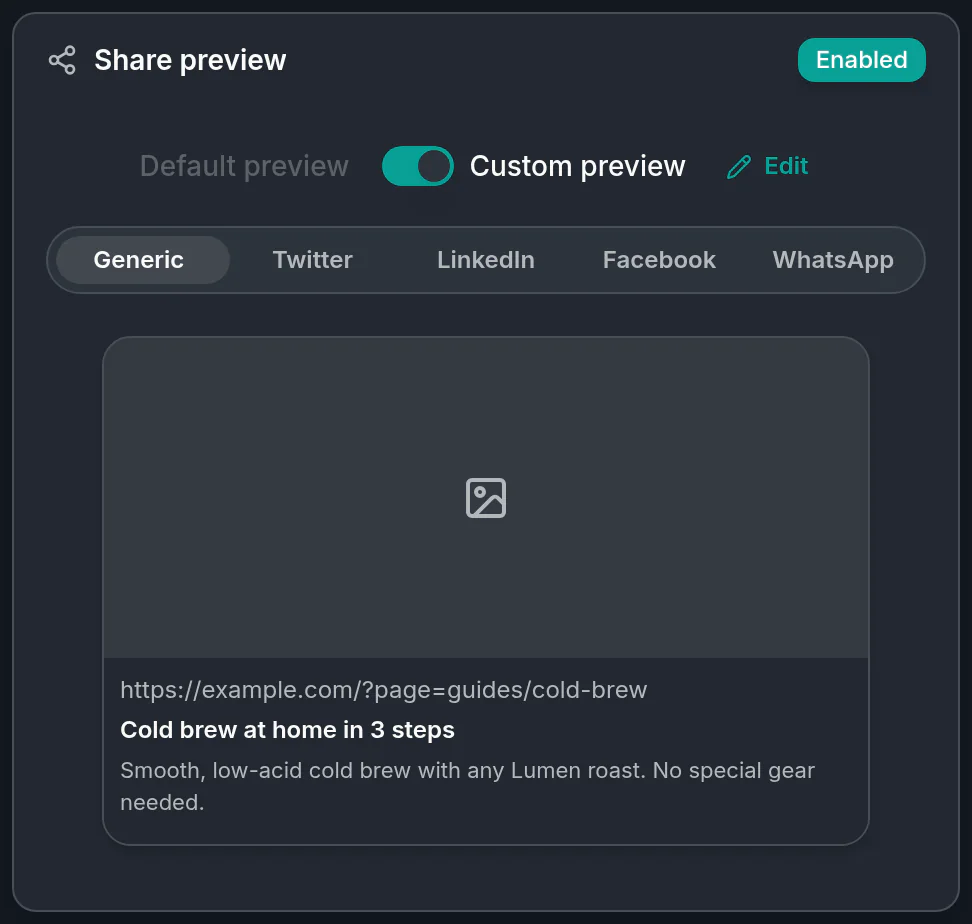
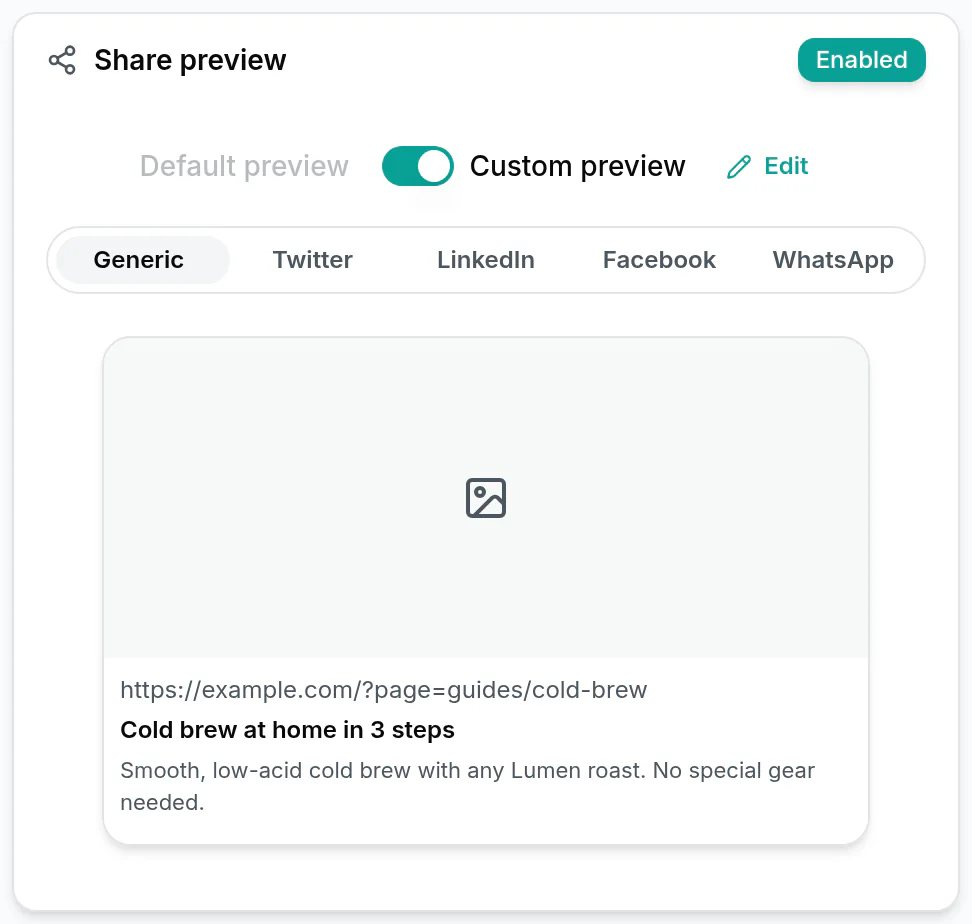
| Field | Limit |
|---|---|
| Title | 120 characters |
| Description | 240 characters |
| Image | An https:// image URL, or an uploaded JPEG or PNG up to 5 MB and 2000×2000 pixels |
Without a custom preview, social networks and chat apps show your destination’s own title, description and image, exactly as they would for the destination itself. With a custom preview, they show yours instead; fields you leave empty fall back to the destination’s. Cloaked links always get a preview from Shortn, so the destination’s address stays hidden.
Last updated on