UTM Parameters
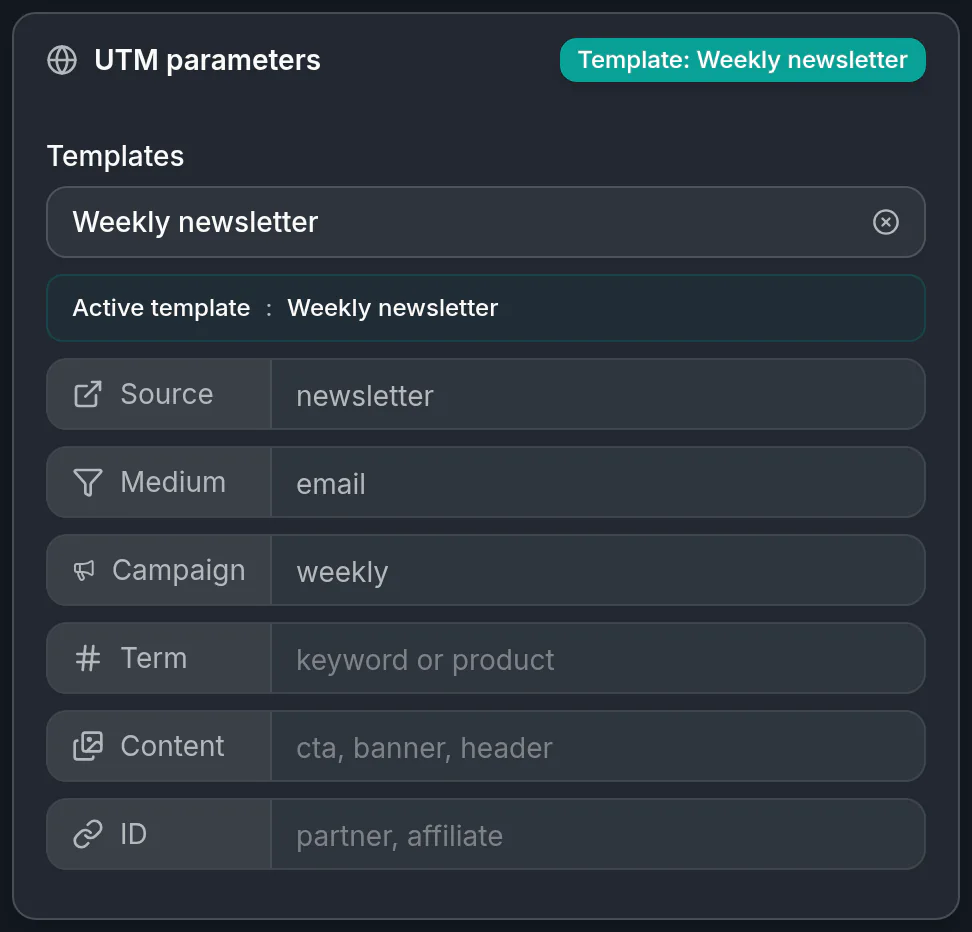
UTM parameters tag your links so analytics tools can tell campaigns apart. Shortn
supports the standard set: utm_source, utm_medium, utm_campaign, utm_term,
utm_content, and utm_id.
When a visitor opens the link, Shortn adds the UTM parameters you’ve set to the destination URL. The rest of the destination’s address is kept exactly as it is, so signed or order-sensitive addresses keep working.
Add UTM parameters to a link
Set UTM parameters on a link from its advanced settings, either by typing them in or by applying a template. Each value can be up to 100 characters, without line breaks; spaces at either end are removed.
Templates are managed on their own page; see UTM templates.
Parameters added to the short link
Anything added to the short link’s address is passed on to the destination. Share
https://shtnl.ink/abc?utm_source=linkedin in one place and
https://shtnl.ink/abc?utm_source=newsletter in another, and each visitor arrives with
the source they came from. This works on every link, for any parameter (ref, coupon,
gclid and so on), not only UTM.
When the same parameter is set in more than one place, the closest one to the visitor wins:
- the value added to the short link,
- then the link’s UTM parameters (or its template),
- then the value already in the destination URL.
A few parameters are never passed on:
qr,bot,shortn_continueandsecurity_continue, which Shortn itself uses on the short link;- the conversion tracking parameters (
snt_click_id, andclient_reference_idormetadata_snt_click_idon Stripe and Dodo checkouts), which only Shortn sets, so that no one can attach someone else’s click to a sale.
A query longer than 2,048 characters isn’t passed on.
UTM parameters in your analytics
Each click records the UTM parameters the visitor actually arrived with, after the order above. One link shared in several places therefore shows each source, medium or campaign separately in your analytics. Recorded values are cut to 100 characters.